
Sanity website builder: build pages from sections
Chris Lojniewski · 12 min read
Sanity is a headless CMS with no website builder of its own. It works as a website builder after a developer adds a page builder, visual editing (a preview with click-to-edit), and a host. Nexity Base, the open source Nexity starter, supplies the first two, with 23 section types.
With that setup, marketers build and publish pages without a developer. A developer still sets up, brands, and deploys the site before launch. After launch, a developer adds section types that do not exist yet, changes the design, and updates the software that the site depends on.
Is Sanity a website builder?
No. Sanity is a headless CMS. A headless CMS stores content and sends it through an API, and a separate application, called the frontend, turns that content into web pages. Sanity gives you the editing tool, called Sanity Studio, and the content store. The Studio includes no page designs, and the website runs on a host that you choose.
The visual editing guide in Sanity’s documentation says that the feature “bridges Sanity Studio and your frontend.” The Studio and the frontend are two applications, and visual editing connects them.
A website builder, as this page uses the term, has five parts. A headless website builder is a website builder on top of a headless CMS, so its parts come from more than one place. Sanity alone covers the first part, the editing tool.
| Part of a website builder | In Sanity alone | What supplies it |
|---|---|---|
| Editing tool | Yes, Sanity Studio | Sanity |
| A list of section types to build a page from | No | A content model that a developer writes or takes from a starter |
| Design and rendering of each section | No | A frontend, for example a Next.js application |
| Preview with click-to-edit, which Sanity calls visual editing | Sanity has the tools, and the frontend must connect them | The visual editing setup in the frontend |
| Hosting for the website | No | A host for the frontend |
A content model is the definition of the fields that people fill in. The list of section types and the code that draws each section make up the page builder.
What a page builder in Sanity is
A page builder in Sanity has two halves. In the Studio, it is a field in the page document that holds an ordered list of sections. On the website, it is the code that draws each section. A section is one block of a page, such as a hero, a pricing table, or a row of customer quotes. Each section type has its own fields. The marketer adds a section, fills in its fields, and moves it up or down.
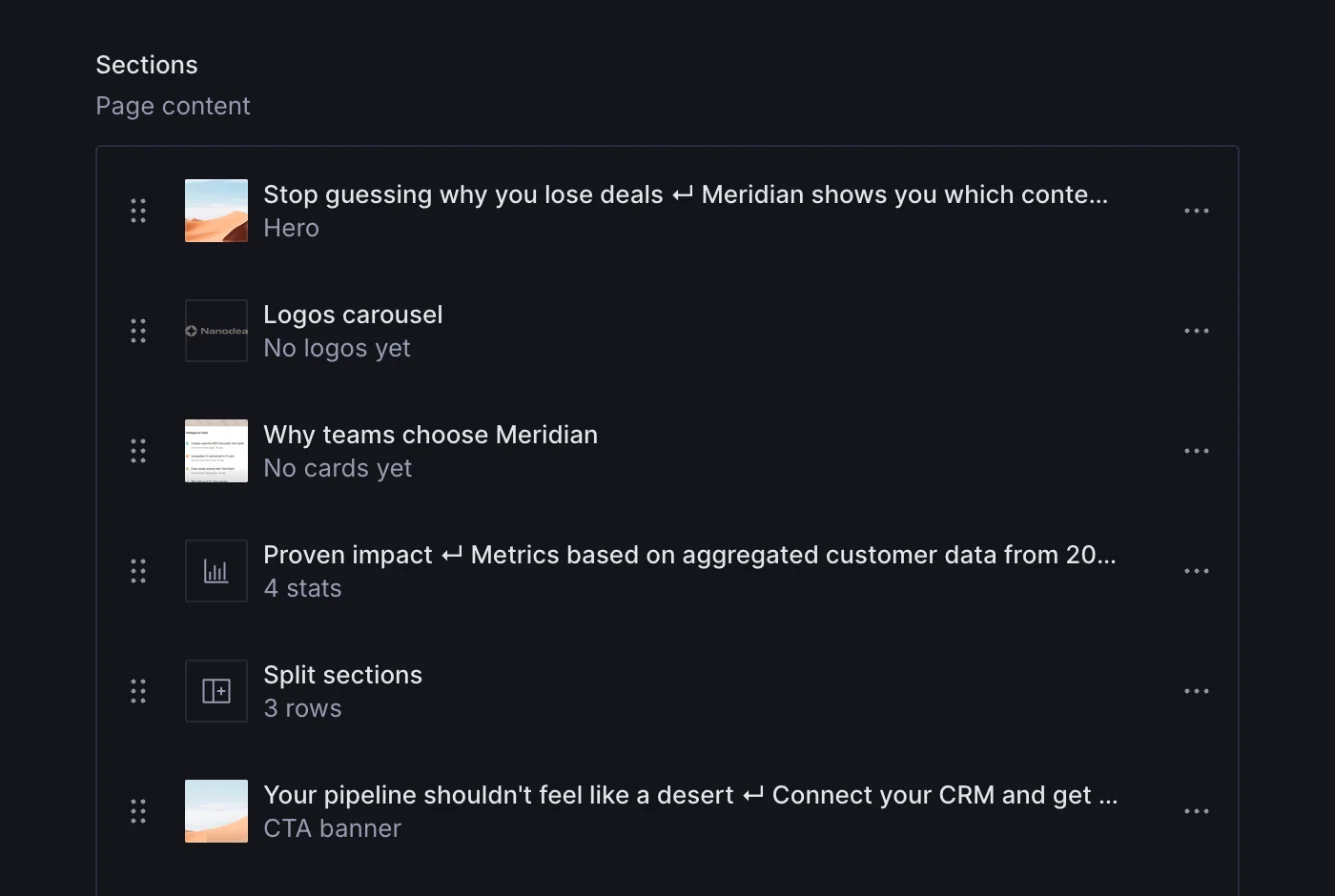
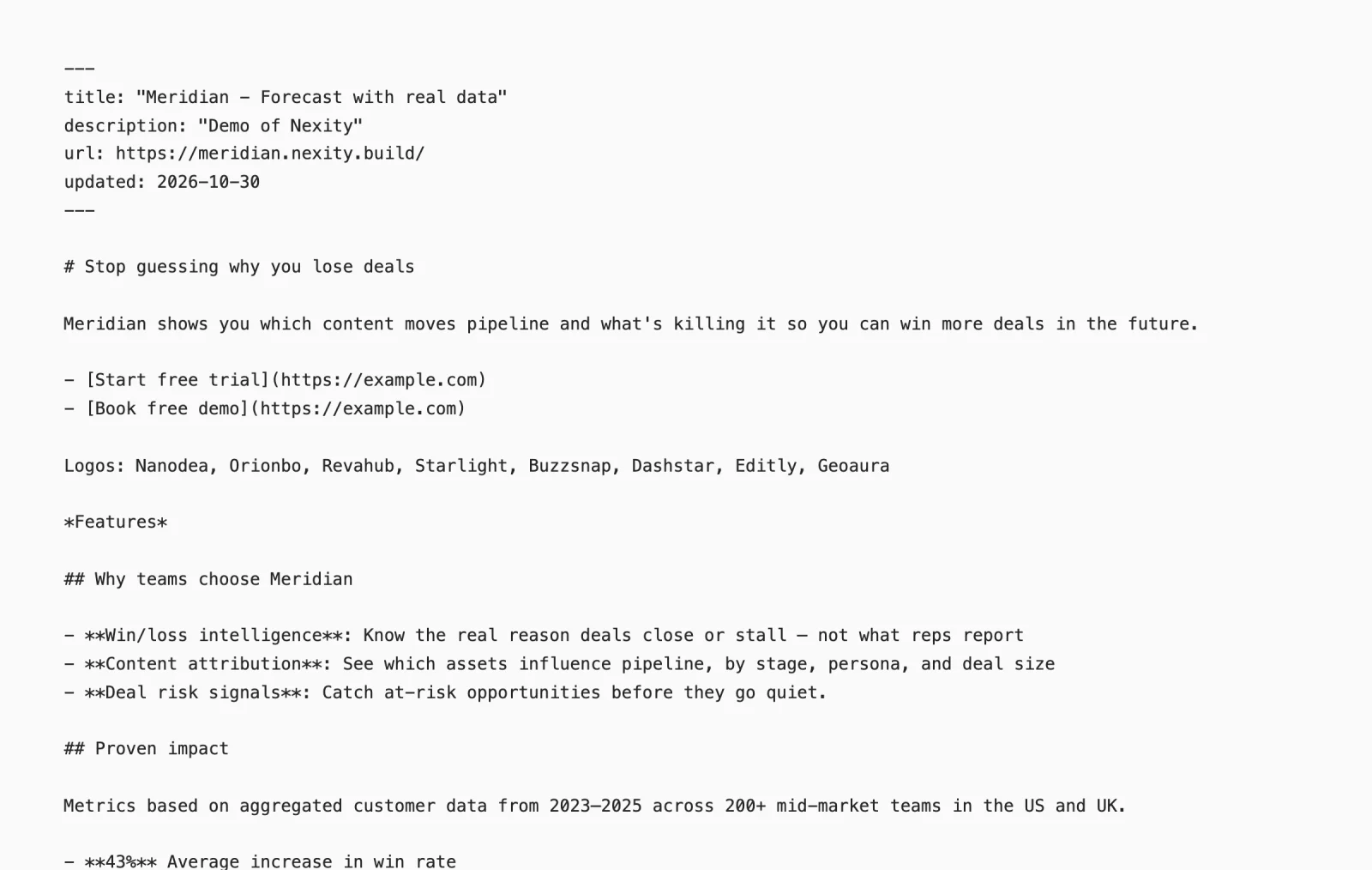
A Sanity page builder limits the marketer to sections that a designer and a developer made. Nobody nudges an element by a few pixels, as on a free canvas. In return, every page keeps the same design and the content stays structured. In Nexity Base, for example, the same FAQ goes to the page, to structured data for search engines, and to a Markdown version of the page that an AI agent can read.
Three ways to get a page builder on Sanity
Sanity Studio does not include a page builder field. Here are three ways to get one. Sanity and its community publish other templates and starters as well.
| Way | What you get | What you still do |
|---|---|---|
| Build it | The content model and the sections that your team designs | Design and code each section, the preview, and the rest of the site |
| Start from the official Sanity template | A Next.js 16 application, visual editing, and a page builder | Design and code the sections that a marketing site needs |
| Start from Nexity Base | 23 designed section types, a gallery of them, shared sections, redirects, SEO fields, a Markdown version of each page, and skills for coding agents | Apply your brand, deploy the site, and add content |
Sanity teaches the first way in an eight-lesson course, Build landing pages with Next.js. The official template is the Clean Next.js + Sanity app. As of November 2026, its page describes “a page builder with dynamic components” and four document types: Page, Post, Person, and Settings.
What Nexity adds to Sanity
Nexity is an open source system for starting and growing AI-native websites on Next.js and Sanity. An AI-native website is one that people and AI agents run from one repository and one CMS. Pagepro makes it and publishes it under the MIT license, which lets you use and change the code at no charge. Its unbranded starter, Nexity Base, is a Next.js 16 application with Sanity Studio 6 inside it. Nexity Base supplies the page builder and visual editing. Hosting stays with you. Because the frontend is a Next.js application that your team deploys, Sanity with Nexity Base is a Next.js website builder that you host yourself.
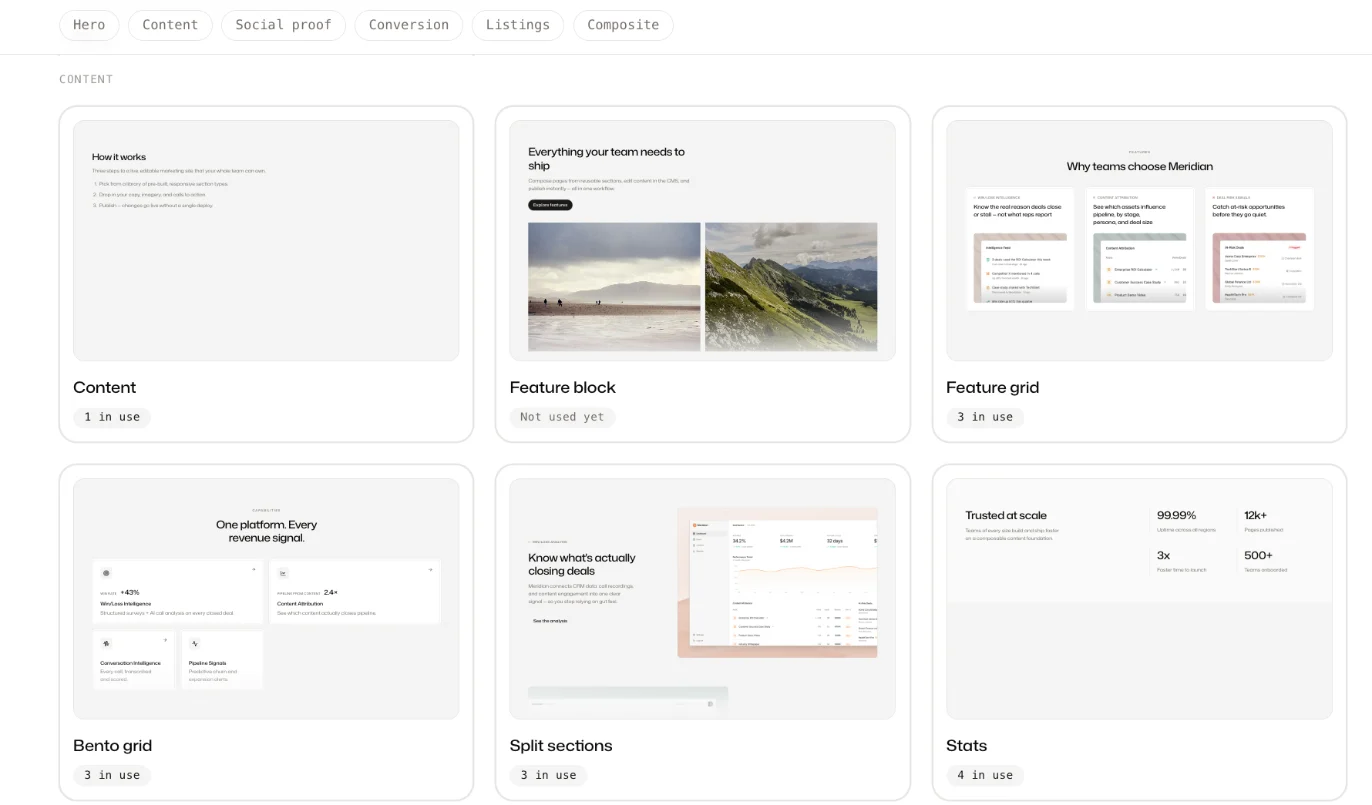
As of November 2026, Nexity Base has 23 section types. The sections schema file lists them, and the feature overview, which calls them blocks, describes each one in plain language. The table uses the six groups of the Sections Gallery in the Studio.
| Group in the Sections Gallery | Section types |
|---|---|
| Hero | Hero |
| Content | Content section, feature block, feature grid, bento grid, integrations grid, split sections, stats, text block, FAQ |
| Social proof | Trust badges, testimonials, logos carousel |
| Conversion | Impact calculator, contact form, CTA banner, newsletter, pricing, comparison table |
| Listings | Blog listing, case studies listing, podcast listing |
| Composite | Shared section |
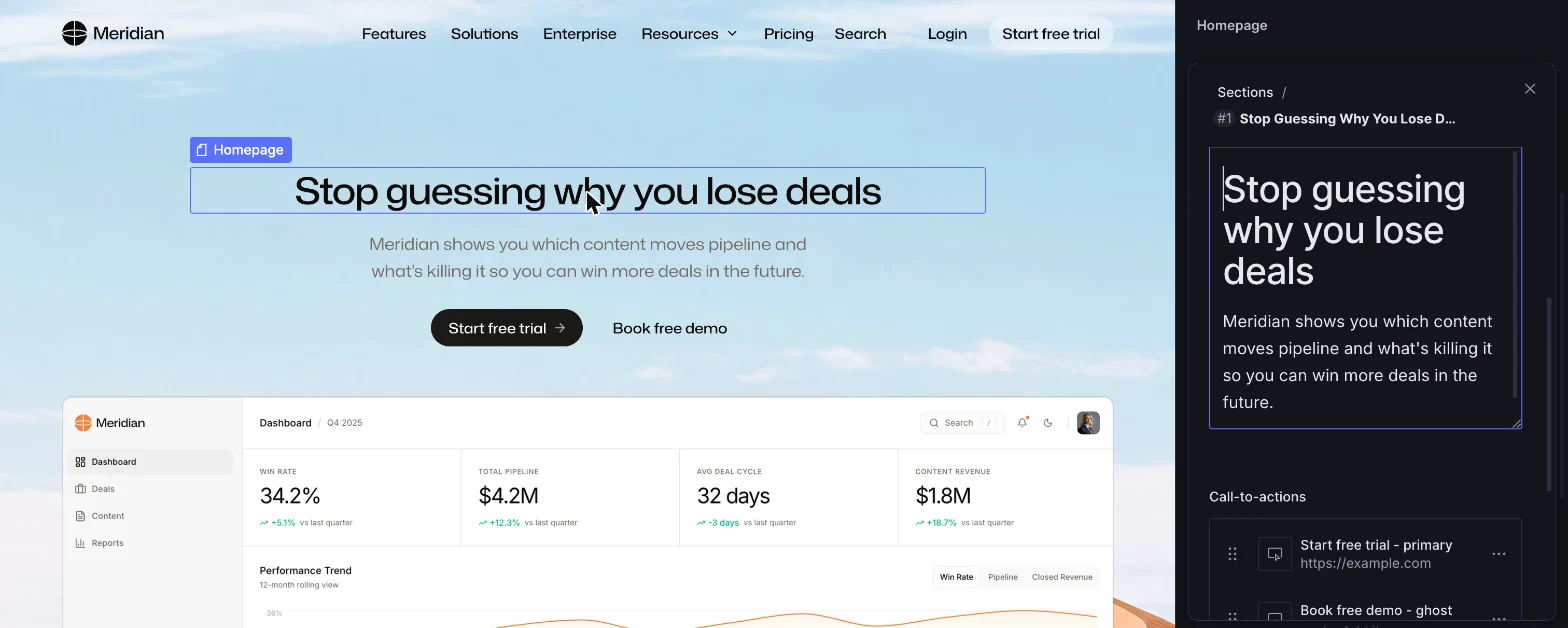
The Meridian demo is the Meridian theme from the Nexity repository: Nexity Base with a full design and sample content for a fictional company. It shows most of these sections on a complete website. The demo shows the public website and not the Studio, and it has its own design. Nexity Base looks neutral until a developer applies your brand.
In Nexity Base, a marketer does these tasks in the Studio without a developer:
- Build a page from the 23 section types and change their order.
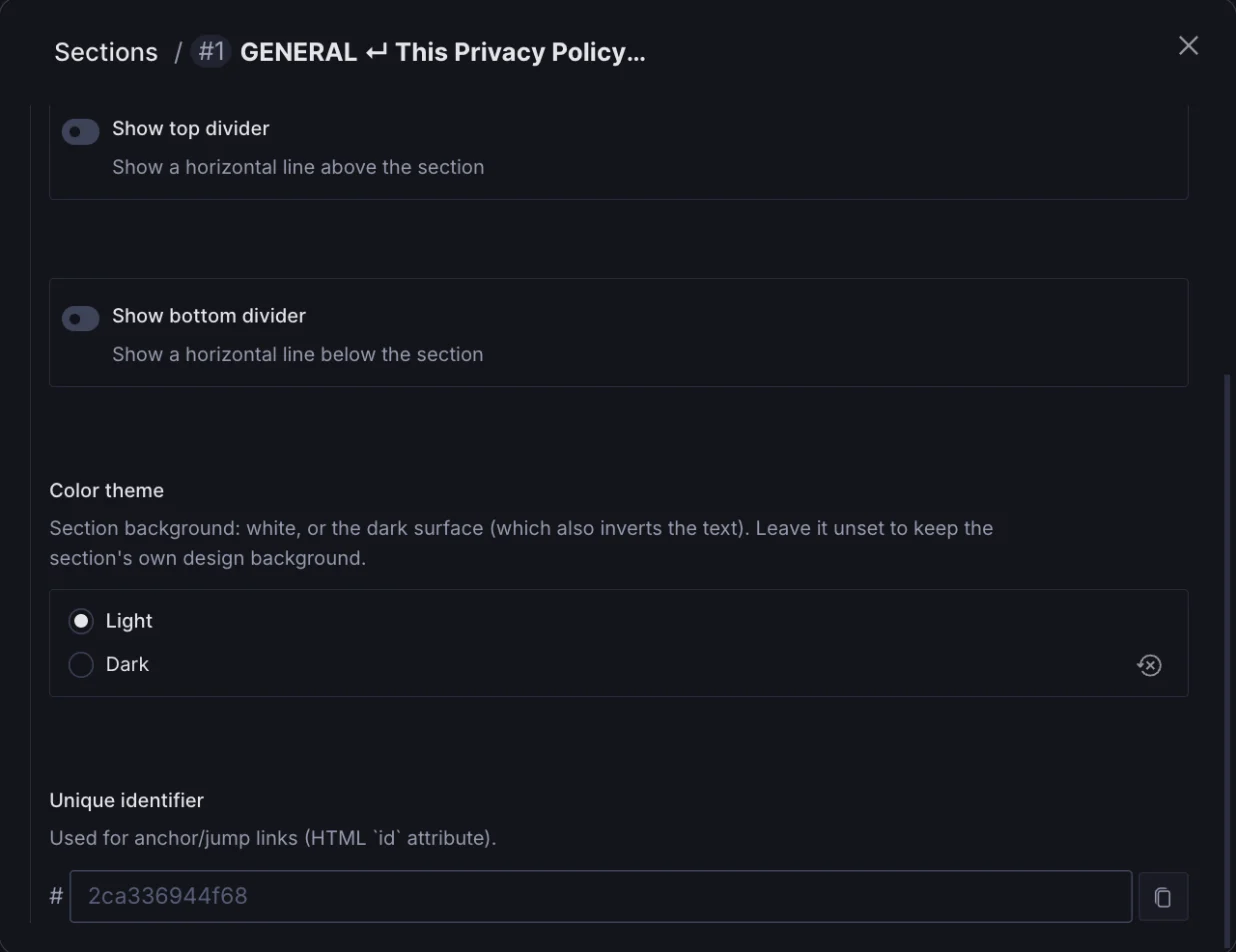
- Hide a section, set a light or dark color theme, add a divider above or below it, and give it an anchor ID so that a link can point to it.
- Write a group of sections once as a shared section and place it on many pages. A change to the shared section reaches every page on the next publish.
- Show a section across a whole area of the site, such as a banner on every blog page, with a global section.
- See the real page beside the form and click an element to open its field.
- See an unpublished change in the preview while visitors see only published content.
- Publish a change. The affected pages refresh without a rebuild of the site.
- Set the title, description, share image, and canonical URL of each page.
- Add a redirect from an old URL to a new one. It takes effect about two minutes after publication.
- Write blog posts and case studies, and edit the header, the footer, and the 404 page.
How a marketer builds a page from sections
These are the steps in a project made from Nexity Base.
- Open the Studio at the /admin path of the website and sign in with your Sanity account.
- Create a page. Enter the title and the URL slug.
- Open the insert menu in the sections field. The menu shows the section types in a grid.
- Select a section type and fill in its fields.
- Repeat steps 3 and 4 for each part of the page. Drag a section to change its position.
- Open the Editor tool, which shows a preview of the page, and click an element to go to its field.
- Publish the page.
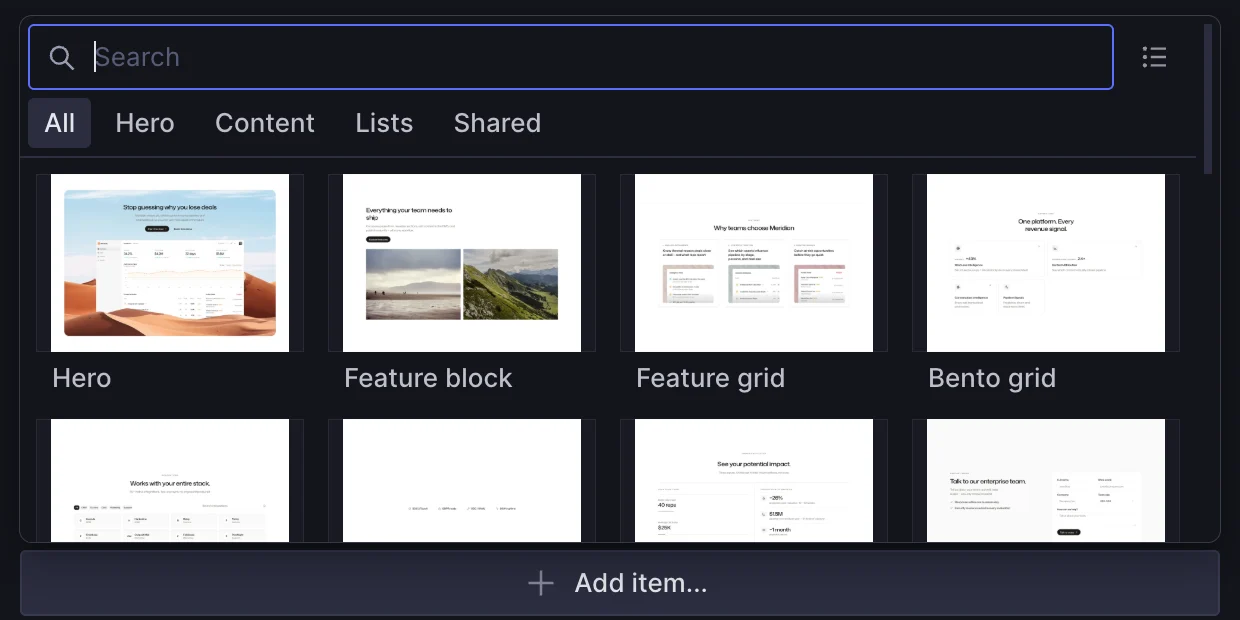
The Studio also has a Styleguide tool with a Sections Gallery. The gallery shows all 23 section types with sample content, how many times each one is used on the site, and where, so a marketer can look there first for a section that fits.
Each person who edits needs a seat in the Sanity project. Roles and scheduled drafts, the Sanity feature that publishes a change at a set time, depend on the Sanity plan. The cost section of this page gives the details.
What still needs a developer in a Nexity project
Sanity with Nexity needs a developer at the start and from time to time after launch.
| Developer task before launch | Detail |
|---|---|
| Setup | One command creates the project. It needs Node.js, pnpm, and a Sanity account. The new site opens on a “Next steps” screen, because it has no content yet. |
| Brand | Nexity Base has a neutral look. A developer sets your colors, type, and spacing in the code and in the design file of the project, DESIGN.md. |
| Deployment | The Next.js application needs a host. The Nexity documentation describes deployment to Vercel. Nexity does not include hosting. |
| Content changes | A developer deploys the Sanity webhook that makes the website show a content change after publication. Developers call this revalidation. |
| Initial configuration | Environment settings on the host turn on the contact form email and Google Tag Manager, and control search indexing. |
| Newsletter | The form appears on the page, but it stores and sends nothing until a developer connects an email provider. |
| Developer task after launch | Detail |
|---|---|
| A new section type | A check for an existing section that already does the job, then a checklist of 13 steps, from the content model and the component to the gallery entry, the structured data, and the Markdown version |
| A change to the design | A developer changes colors, type, or spacing in the code, and the change applies to every page. |
| Updates | Next.js, Sanity, and the other dependencies need regular updates. A project made from Nexity Base is your own copy and does not receive changes from the Nexity repository automatically. |
As of November 2026, the check and the 13 steps are in the new section checklist. A coding agent can do them. Every project made from Nexity Base contains a skill named create-section, which is a file of instructions that a coding agent such as Claude Code, Codex, or Cursor follows. A marketer or a developer who has access to the project repository and to a coding agent describes the section. The agent first checks whether an existing section already does the job. If none does, it builds the new one from the design file, DESIGN.md, and the brand file, BRAND.md, of the project. Read-only reviewer agents check the content model, the styling, and the queries during the work, and a developer reviews the change before it goes live.
Limits of Nexity Base
As of November 2026, Nexity Base has these limits:
- Nexity Base supports one language.
- The Nexity repository has no tool that moves content from another CMS. Content migration is separate work.
- A marketer cannot change the design of a section in Nexity Base. Each section offers a fixed set of options.
- Nexity Base does not include hosting. You select and pay for a host.
- The newsletter section of Nexity Base stores and sends nothing until a developer connects an email provider.
- A project made from Nexity Base does not receive changes from the Nexity repository automatically.
What Sanity with Nexity costs
Nexity itself costs nothing. The costs are in the services and the work around it.
| Cost | What decides it |
|---|---|
| Sanity plan | The number of people who edit, the roles that they need, and the usage of the project |
| Hosting | The plan of the host that you select and the traffic of the site |
| Connected services | The email service for the contact form, and the newsletter provider if you use the newsletter section |
| Developer time | Setup, brand, and deployment before launch. After launch, each new section type, each design change, and dependency updates. |
| Coding agent | A subscription, if your team uses an agent to build new sections |
On November 16, 2026, the Sanity pricing page listed two self-service plans. The Free plan has up to 20 user seats and two roles, Administrator and Viewer. The Growth plan costs $15 per seat per month, has up to 50 user seats and five roles, including Editor, and adds scheduled drafts. Each plan includes a usage quota, and only the Growth plan offers pay-as-you-go pricing above it. The Free plan also allows public datasets only, which means that anyone can read the published content through the API without a login.
On the Sanity Free plan, the only role that can edit content is Administrator, which also has full access to all project settings, as the roles documentation describes. You need the Growth plan when the people who edit must not have that access, or when you want scheduled drafts.
This page gives no figure for hosting or for the connected services, because each depends on the provider that you select. Developer time has no public benchmark either. Four things decide it: how far your brand is from the neutral design, how many of the 23 section types you use, how many new section types you need, and which services you connect. Ask your developer for an estimate from those four inputs.
Sanity with Nexity or a hosted website builder
A hosted website builder, such as Webflow, Wix, or Framer, gives you the visual tool, the templates, and the hosting from one vendor. Sanity with Nexity is a codebase that your team owns and deploys. The table describes the category in general terms, and a specific product can differ.
| Question | Hosted website builder | Sanity with Nexity |
|---|---|---|
| Who starts the site? | A marketer or a designer | A developer |
| Who builds a page? | A marketer | A marketer, from 23 section types |
| How free is the design? | The marketer can change the layout of a page | The marketer picks from designed sections. A new layout is a new section type. |
| Who makes a new section type? | The marketer or a designer, in the product’s visual tool | A coding agent or a developer, with developer review |
| What do you pay for? | The product subscription | The Sanity plan, the host, connected services, and developer time |
| Where does the site run? | On the vendor’s platform | On a host that you select, from code in your repository |
| Where is the content? | Usually in the product’s own CMS | In Sanity, as structured content that an API delivers |
A hosted website builder fits when no developer is available, or when one marketer manages a site whose content goes nowhere else.
Sanity with Nexity requires three things:
- A developer or an agency for the setup, the brand, the deployment, and later changes.
- A site in one language.
- Marketers who can work with designed sections and do not need a free layout.
When those three hold, Sanity with Nexity pays off most in these cases:
- Several marketers must publish pages without a ticket to a developer.
- The same content must go to more than one place, such as pages, structured data for search, and Markdown for AI agents.
- You want to own the code and the content model.
How to start with Nexity
- Open the Meridian demo and look at the sections on the public site.
- Send the Nexity repository and this page to your developer.
Your developer creates the project with one command:
npm create sanity@latest -- --template Pagepro/nexity/baseThe command creates or selects a Sanity project, downloads Nexity Base, writes the settings files, and installs the dependencies. To see the Studio itself, ask your developer to run the project and show it to you.
If your current website is on another CMS, Pagepro, the company that makes Nexity, does website migrations to Next.js and Sanity as a paid service. That work is separate from the open source repository.